
Describe the image’s job
Shopify says alt text describes a media item, helps assistive technology describe an image to a customer who is visually impaired, and should be brief and descriptive. Shopify recommends about 125 characters or fewer, though the maximum is 512. The product-media guide shows where to add it.
W3C’s image tutorial makes the key distinction: an informative image needs text that conveys its information; a decorative image can use empty alt text; and a linked or button image should describe its function. The right wording depends on the image’s purpose and what is visible.
Six original demo images, six bounded descriptions
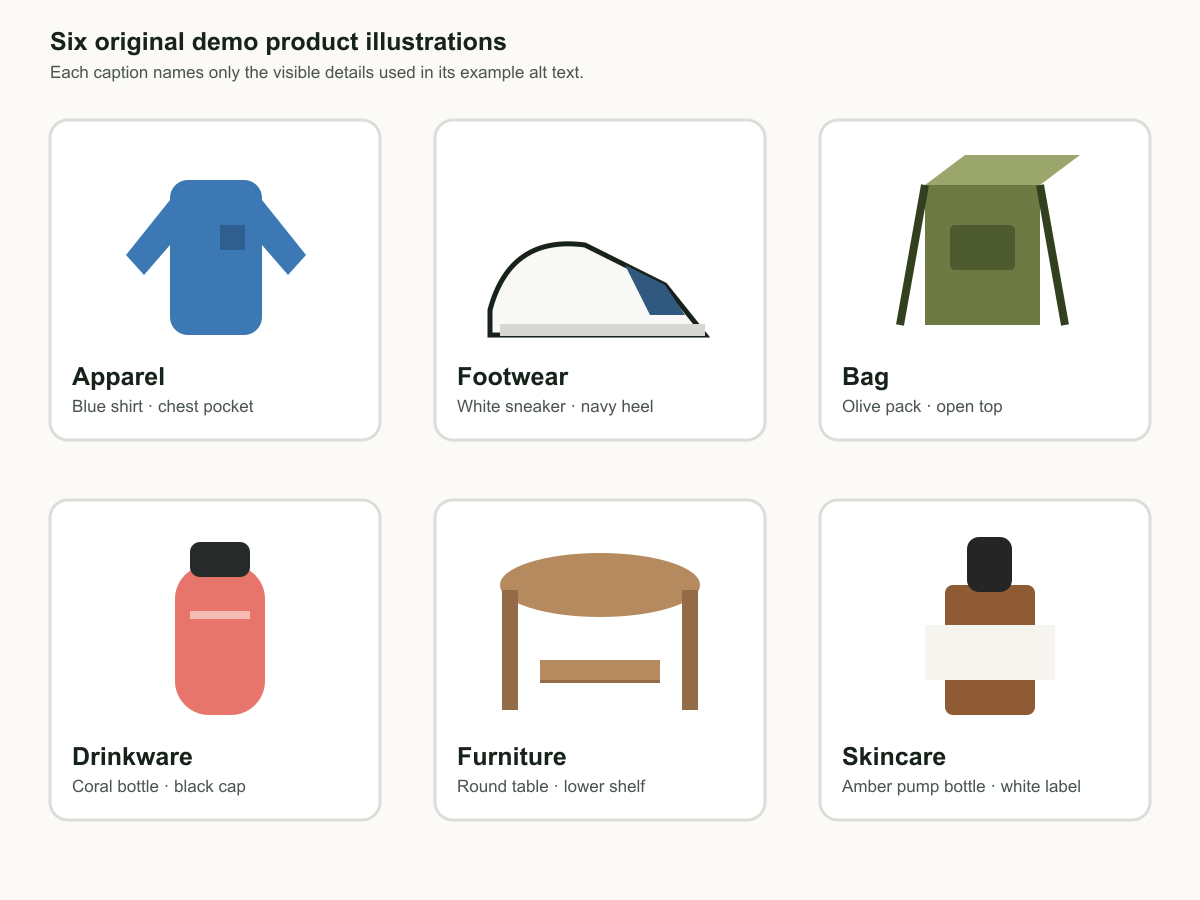
| Visible image | Useful alt text | Do not add |
|---|---|---|
| Blue shirt shape with dark chest patch | “Blue long-sleeve shirt shape with a dark square chest patch.” | Fabric, fit, neckline, or sizing claims. |
| White sneaker with navy heel | “White low-top sneaker with navy heel panel and white sole, side view.” | Comfort, material, or performance claims. |
| Olive backpack shape with front patch | “Olive backpack shape with a dark rectangular front patch and open top.” | Zip-pocket, capacity, or laptop-size claims. |
| Coral bottle with dark cap | “Coral bottle with a dark cap and pale horizontal band, front view.” | Insulation, leakproof, or cap-mechanism claims. |
| Brown round table with shelf | “Brown round side table with a lower shelf, front view.” | Wood species or load rating. |
| Brown bottle with dark top | “Brown bottle with white label and dark top.” | Pump, ingredients, scent, or skincare-result claims. |
Make meaningful variants distinguishable
If two images show different colors, an open versus closed view, included pieces, or a feature a shopper needs to choose between, mention that visible difference. Do not repeat the full product title before every description. Do not write “image of,” and do not stuff a list of keywords into alt text.
Use empty alt text only when the image is truly decorative and its information is already available in nearby text. A main product image is usually informative. If the product has a visible variation, a generic “Product image” hides the thing a shopper needs to know.
Download the image-alt-text worksheet (CSV) and review the actual media item beside every proposed line.
Review the record in Cuebase and Shopify
Cuebase’s Catalog Readiness rubric reports whether product images have alt text and how many images are covered. It labels alt text as machine-readable product context. That is an accessibility and data-quality check; it does not prove a ranking or sales effect.
Open a scanned product, inspect the media, and use Generate improvements only as a draft. Compare every suggestion with the image. Discard claims that are not visible. When the complete reviewed set is accurate, choose Apply all to Shopify. In Shopify, open the product media item, use Add alt text, then save it. Shopify’s guide documents that flow.
Continue with size and fit information, care instructions, and Shopify product data for AI so visual and written product facts agree.
Final check
Read the alt text with the image hidden. Does it convey the visible detail a shopper needs, without a claim you cannot see? If yes, save it. Then start a free catalog scan.